imageset-generator
OpenShift ImageSetConfiguration Generator
This tool generates ImageSetConfiguration files for OpenShift disconnected installations using the oc-mirror tool. It takes OCP versions and operator suggestions as input and creates a YAML configuration that can be used to mirror container images and operators for air-gapped environments.
Quick Start
1 Build the application container Image with Podman and run the application
./start-podman.sh
Script should output web location

2 Open Application WebPage
-
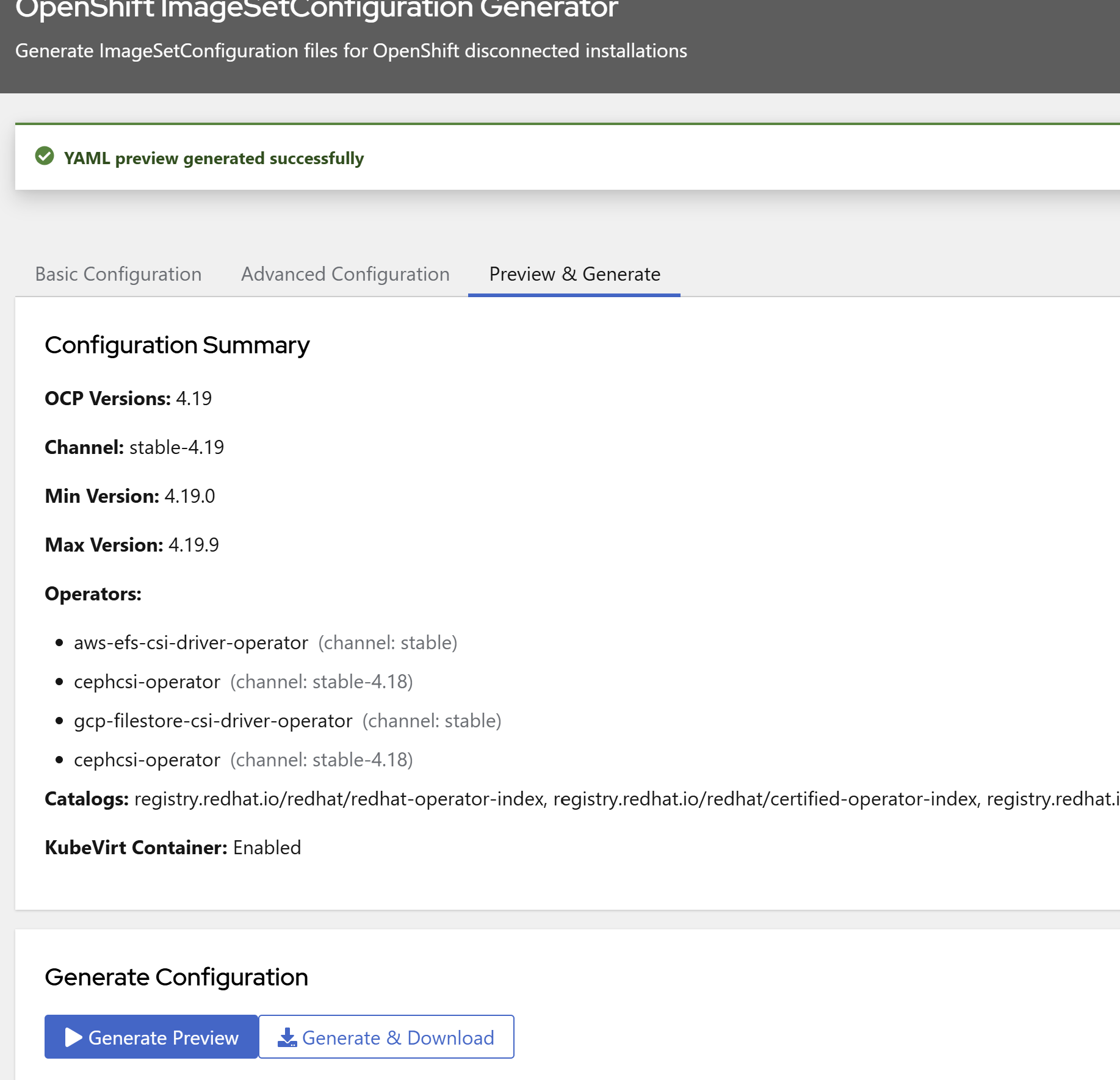
Select the OCP Version you want to mirror, the channel and the min and max versions.
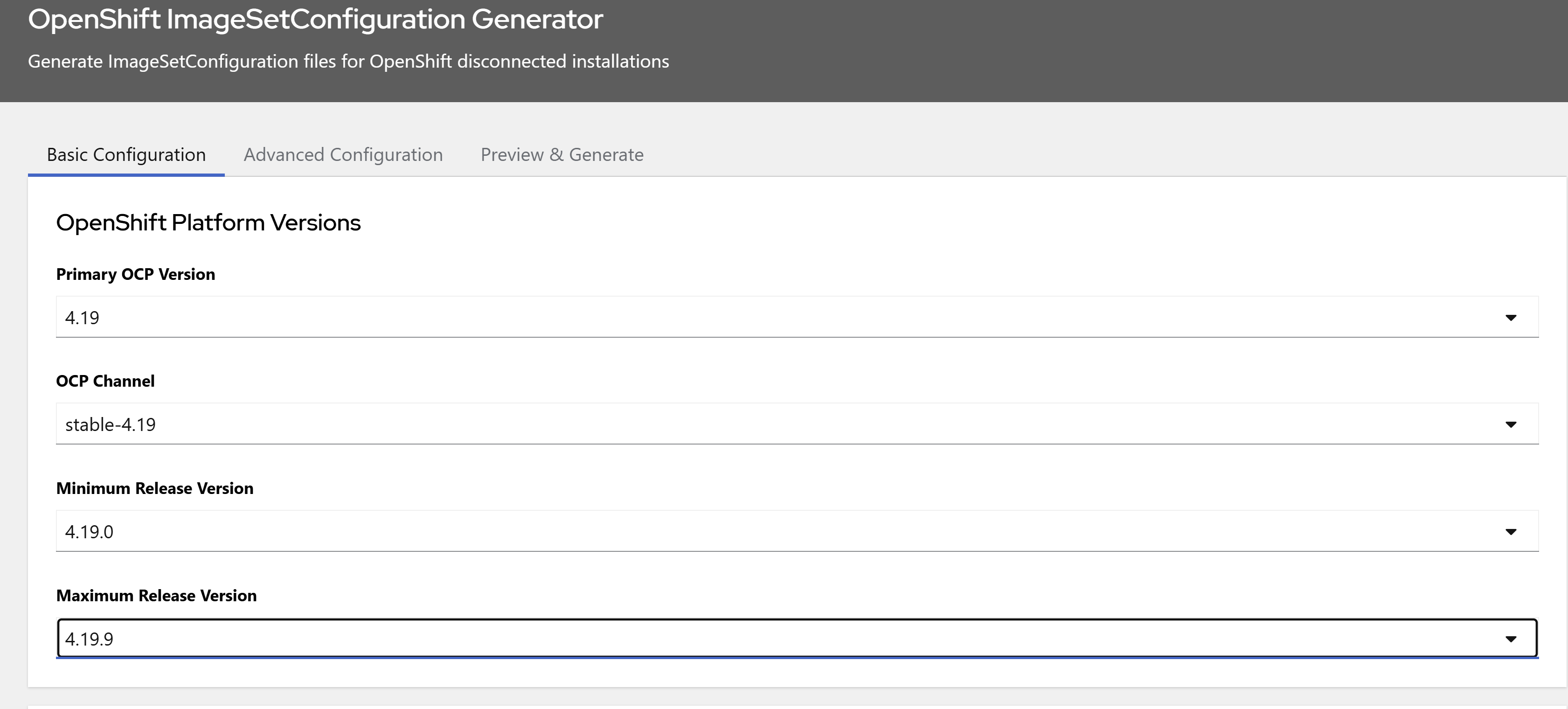
-
Select which OpenShift Catalogs you want to search operators from
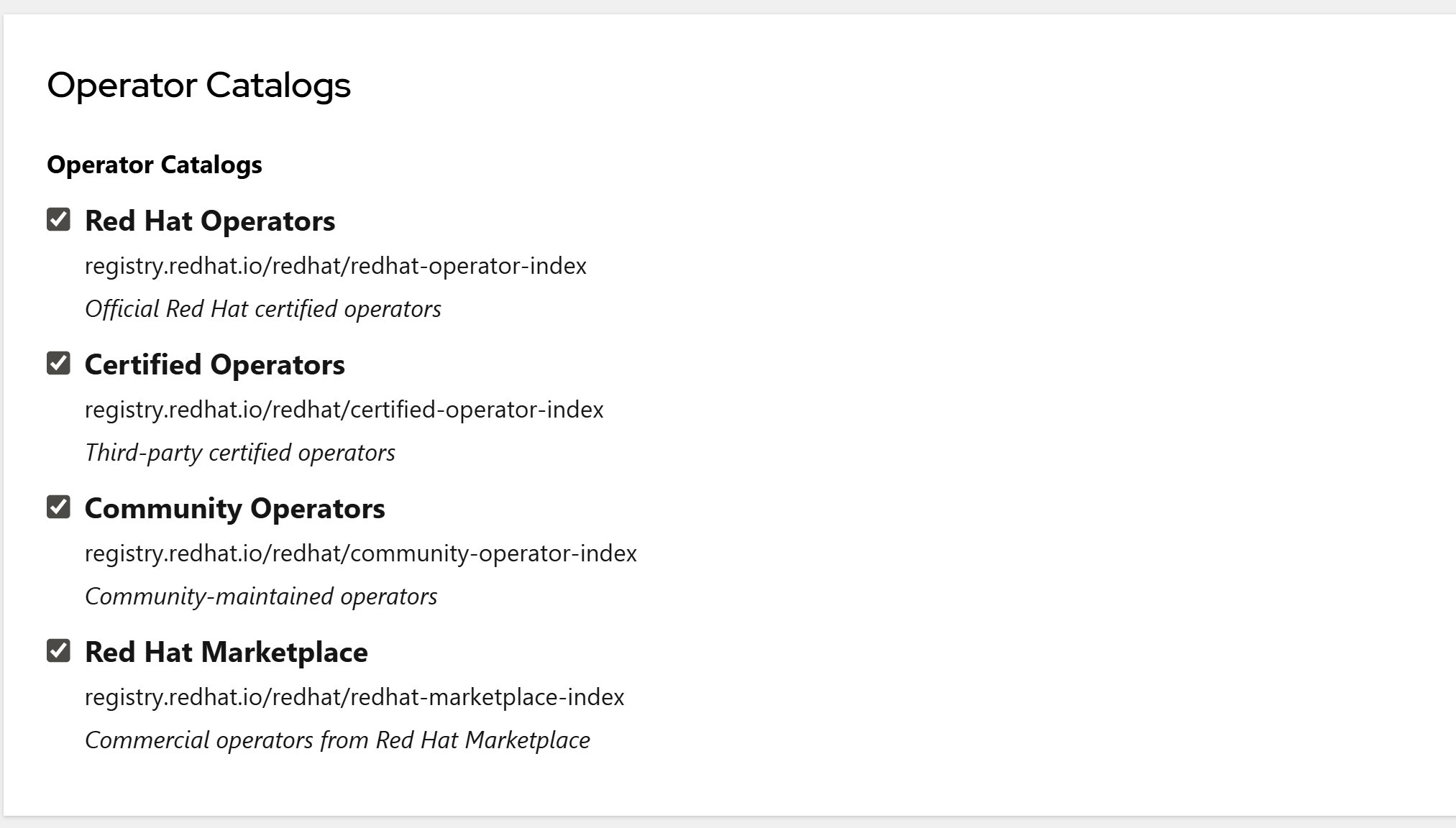
-
Search for the Operators you want based on Name or Keywords.
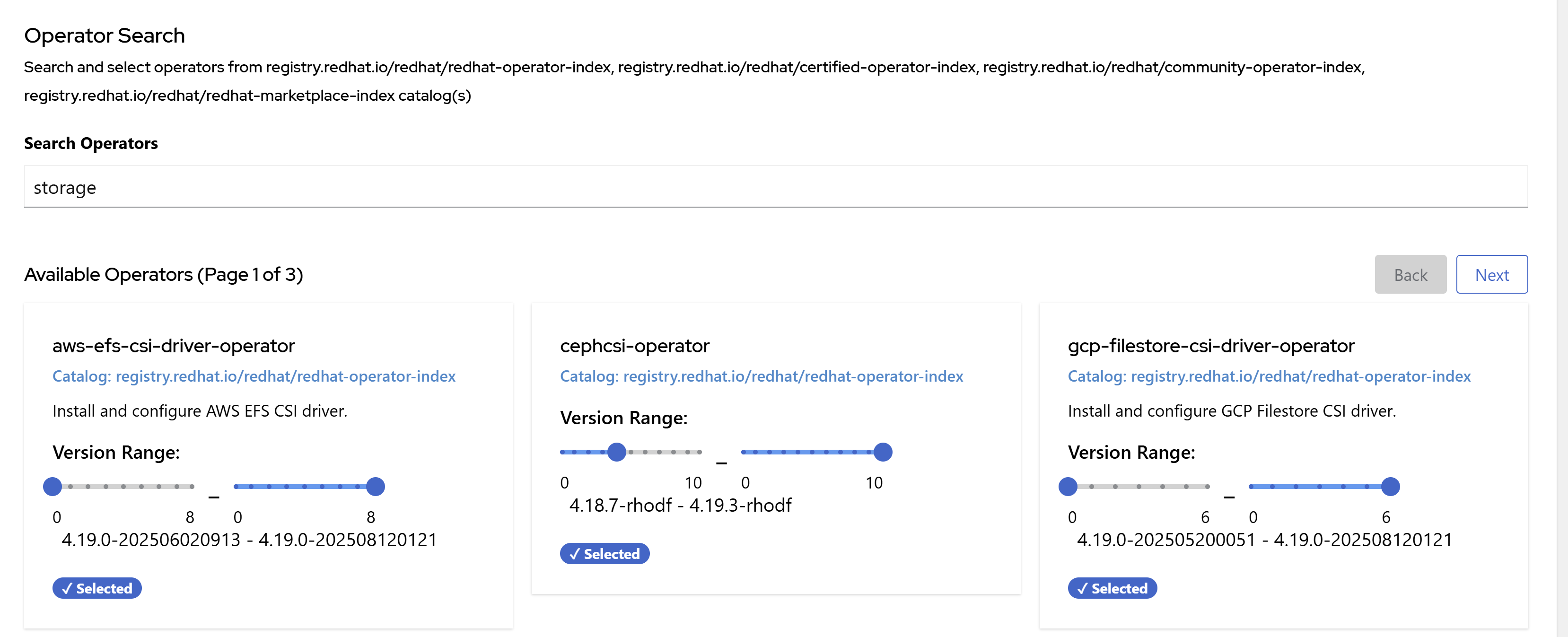
-
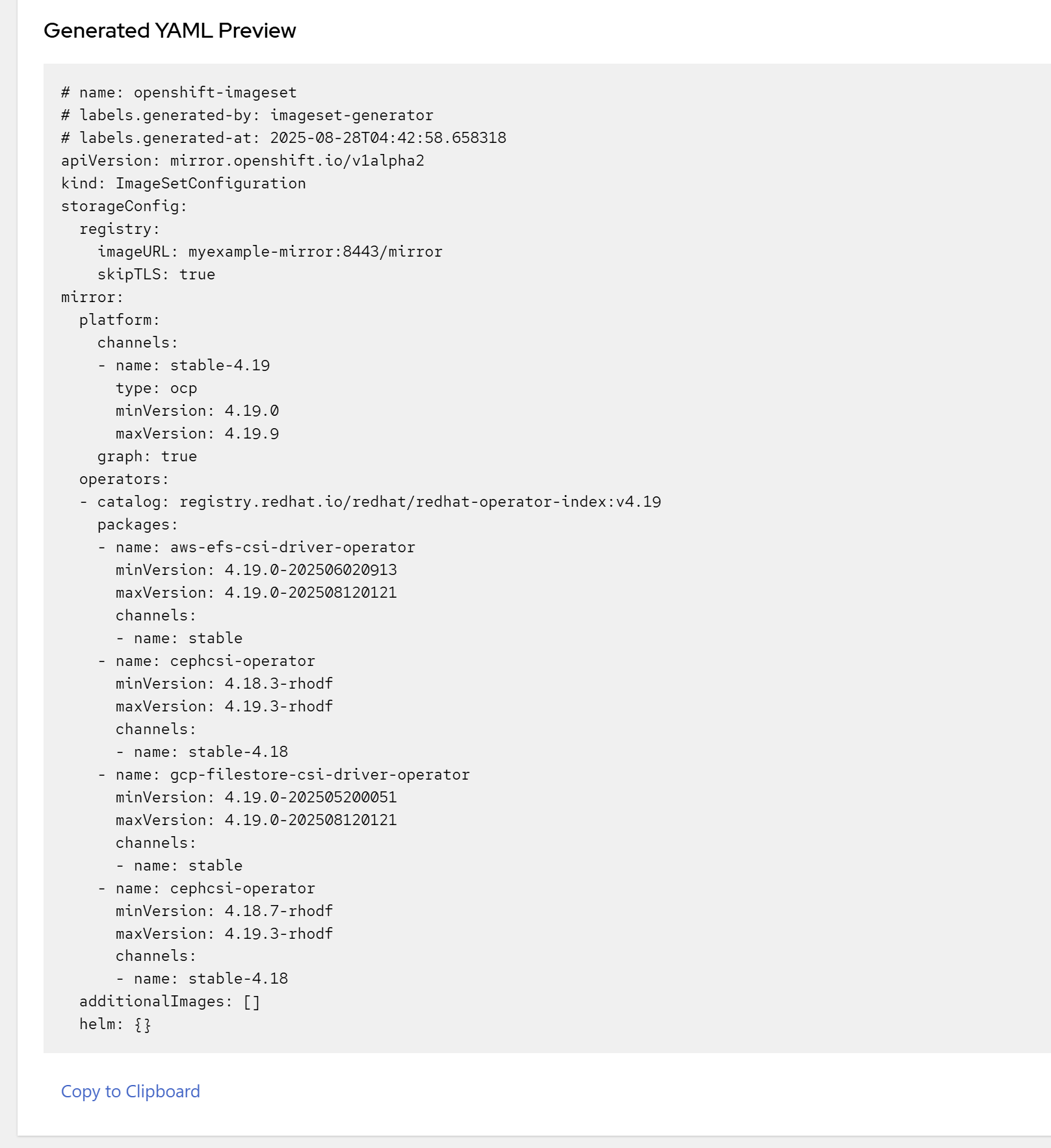
On the Advanced configuration tab, fill in the storage configuration and available checkboxes.
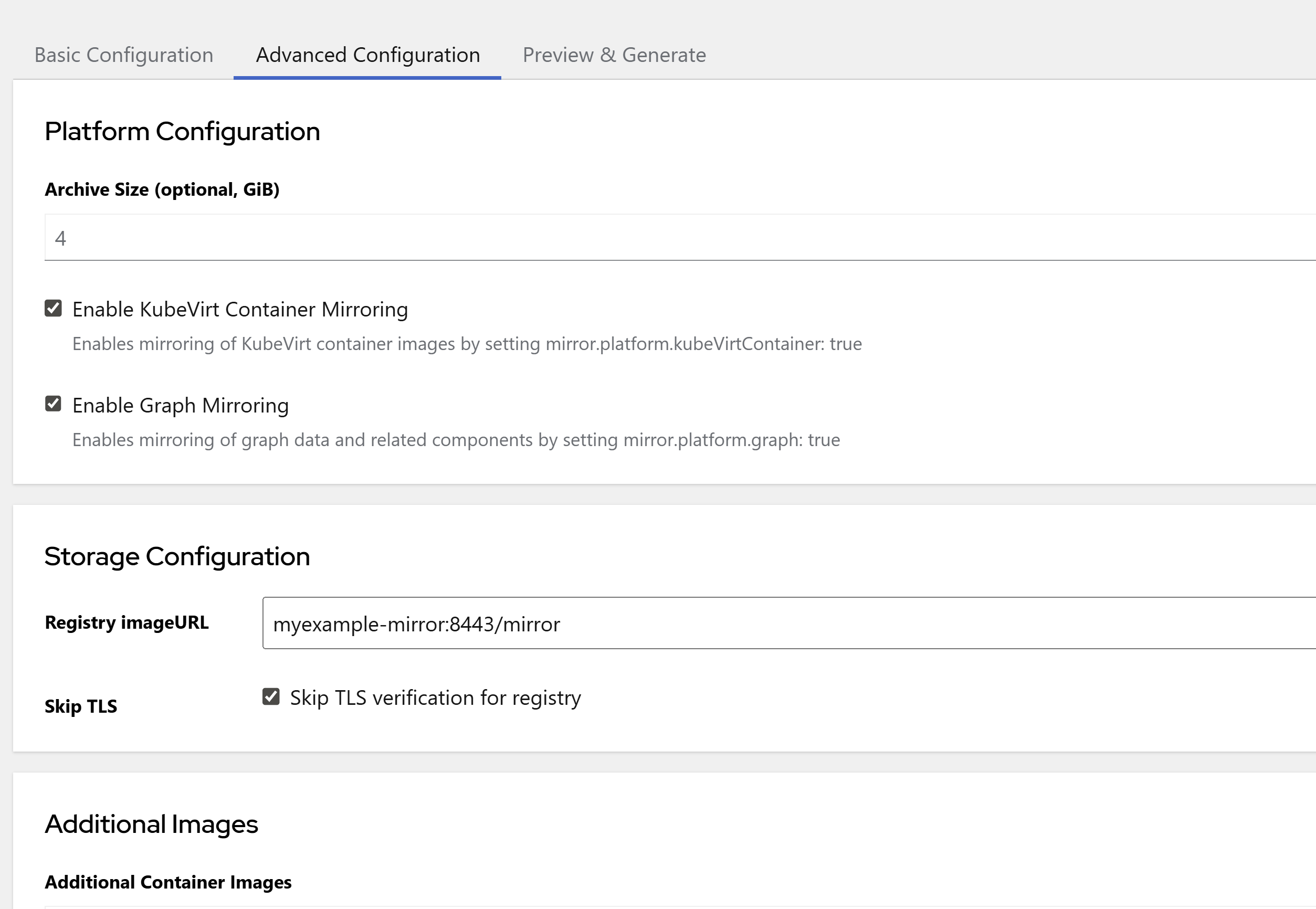
-
On the Preview & Generate tab select “Generate Preview” to obtain the output imageset configuration.Copy you output configuration using the copy to clipboard.
Clean and Update Data
The data used is downloaded and stored in the ./data directory
To update run, the application in dev mode, delete the unnecessary info and open the webpage and update
rm -rf ./data/*. or rm -rf ./data/<the file you want updated>
./start-dev.sh